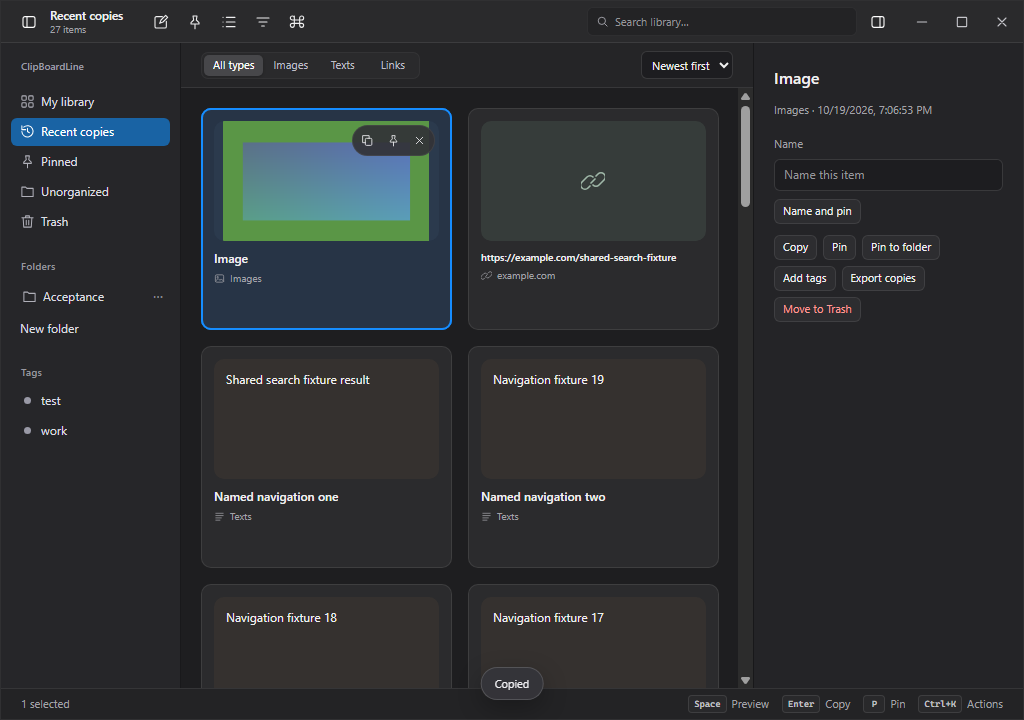
This inventory describes the 1.7.3 source implementation. The latest release lists available packages and validation evidence; native platform details are listed in the comparison. Features below describe the application, not a promise that every receiving app supports every clipboard representation.
01Three independent shelves
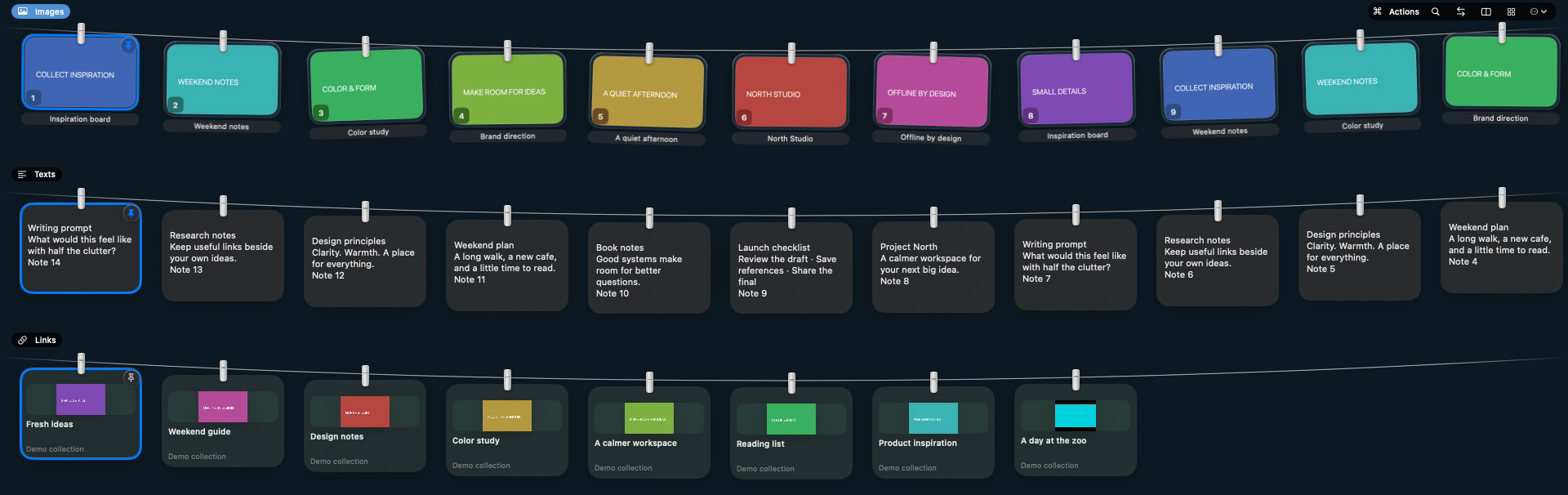
Browse Images, Texts and Links as separate horizontal rows. Toggle each row, switch the active shelf, filter pinned items and scroll through older copies. Opening selects only the first available image; if Images is hidden or empty, the first available item in the next visible shelf is selected.
02Screenshot and clipboard capture
Handle screenshots instantly, watch up to three additional image folders, and optionally collect copied images or text. Clipboard image and text collection are independent opt-ins. Text and link copies arrive silently without opening the shelves.
03A local Library
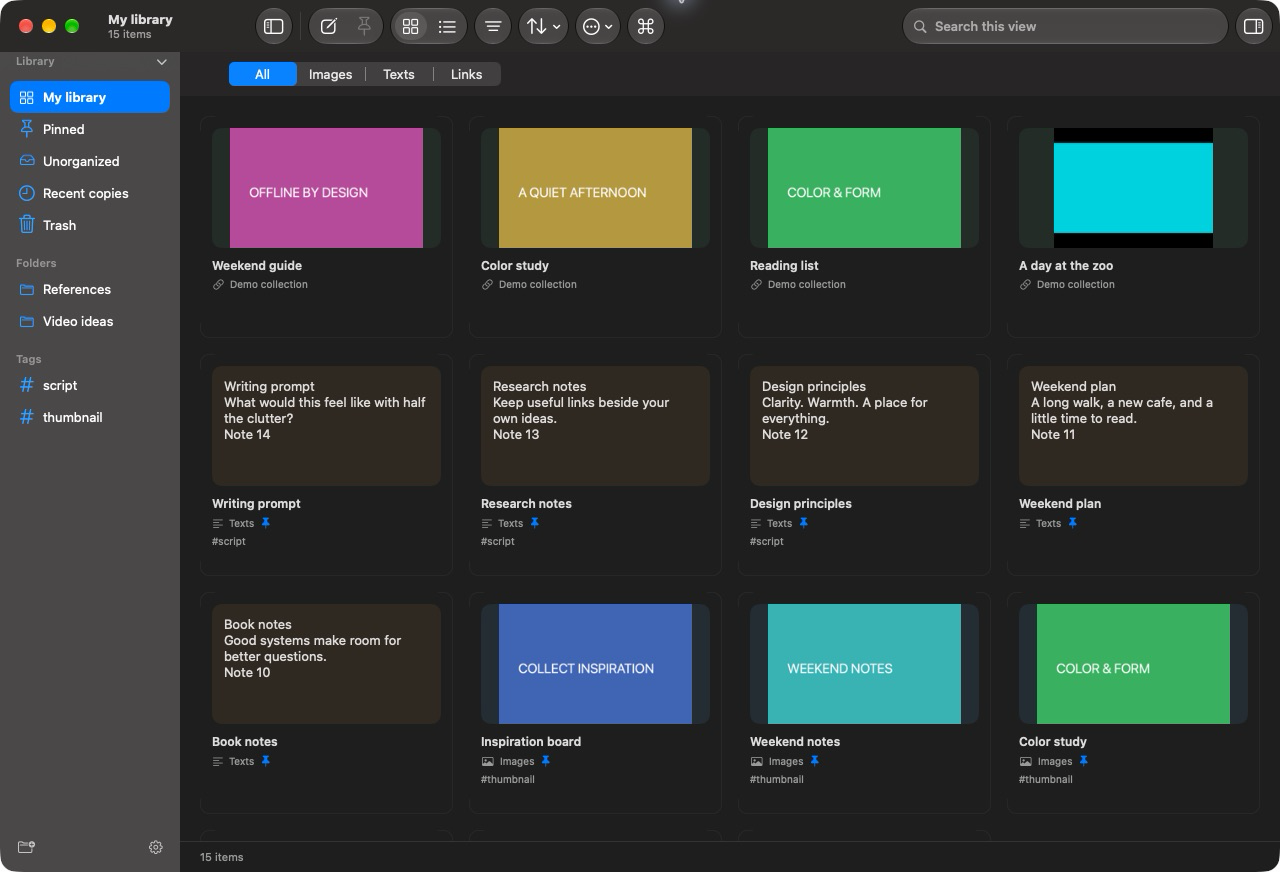
A normal resizable window with grid and column-based list views, a folder/tag sidebar and an auto-saving editable inspector. Create notes, edit titles and content, and organize images, text and links together. Full screen is optional.
04Pin, name, file and tag
Pin and favorite are one action. Pins, folder membership or tags retain an item beyond ordinary history expiry. Use nested virtual folders and multiple tags; name-and-pin supports a sequential batch workflow.
05One shelf search
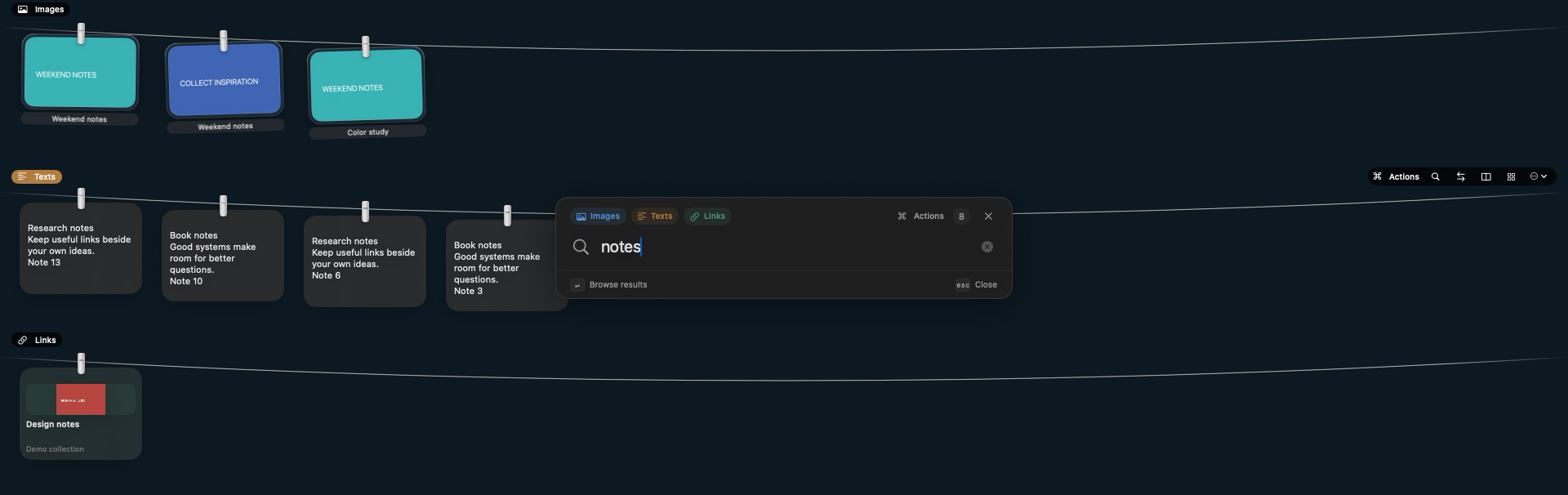
The centered search field searches all currently visible shelves: text, link details, titles, notes, tags and recognized text in images. Hidden shelves are excluded. Browse results without opening Library.
06OCR and visual search
OCR runs locally through Apple Vision on Mac and packaged English/Turkish Tesseract on Windows. Both use the original MobileCLIP-S2 model for offline Library visual search, with text/OCR, visual and combined modes plus type, date, domain, tag, folder and pinned filters. Visual descriptions work best in English.
07Link cards with context
A standalone copied web URL goes to Links; a paragraph containing URLs stays text. Optional enrichment adds website or YouTube titles, authors and thumbnails. Open the selected link in your browser.
08Borderless previews
Space opens images, editable text and link previews. Shelf previews can move across content types without closing the window. Image zoom runs from initial fit to 400%; pinch, wheel and drag-to-pan are supported.
09Editable markup and crop
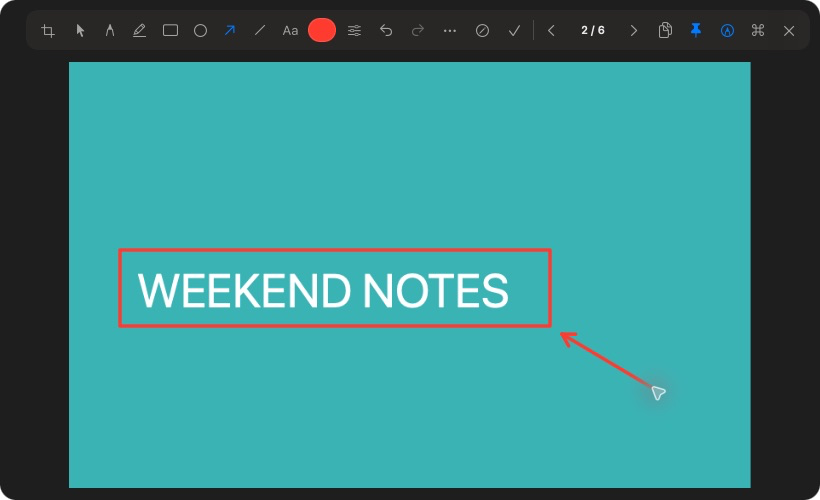
Pen, translucent marker, rectangle, ellipse, arrow, line and text tools share the top preview toolbar. Move/resize marks, change styles and undo. Crop non-destructively; original files and editable annotations remain available.
10Copy, paste, drag and export
Copy selected batches in order, drag multiple items, export copies, or explicitly paste into the editable field previously focused in another app. Image copies include full-resolution crop/markup. Multiple-image paste depends on the destination app.
11History without repeated text cards
Configure image, text and link retention separately: 1, 3, 7, 15 or 30 days, with 30 days as the default. Re-copying equivalent text refreshes one current entry instead of filling the shelf with duplicates; saved organization is preserved.
12Take down and recover
S removes the selection and selects the next surviving item. Saved records remain in Library; temporary copies enter recoverable Trash. Backspace restores the latest shelf removal, including batches, during the current app session. External original files are preserved.
13Keyboard-driven Actions
Search the contextual Actions bar for organization, navigation, image editing, Library views, settings and updates. Commands show current shortcut assignments and operate on the item or ordered batch captured when the bar opened.
14An interface you can tune
Small, medium and large cards; soft shelf colors or neutral glass; configurable reveal behavior, full-screen-app visibility, sounds and login launch. Choose the app language independently of the system. Browsing bindings, selection keys and global shortcuts can be remapped or disabled.
15Native signed updates
Mac uses Sparkle; Windows uses its signed installer feed. Official public updates need no GitHub account or token. Automatic checks can be disabled; when enabled they run hourly while the app is running. Download and installation require your action.
16Screen recordings
MP4/MOV recordings stay in Images. Windows 1.7.3 adds file import/watching, playback, M/Actions Trim and file copy/drag/export through native Windows media APIs. Native acceptance is mandatory before publication; codec and trim differences are documented below.